Read the layer as it exists.
Foreground, background, alpha, and blend layers are resolved before a ratio is calculated.
Canvas activities
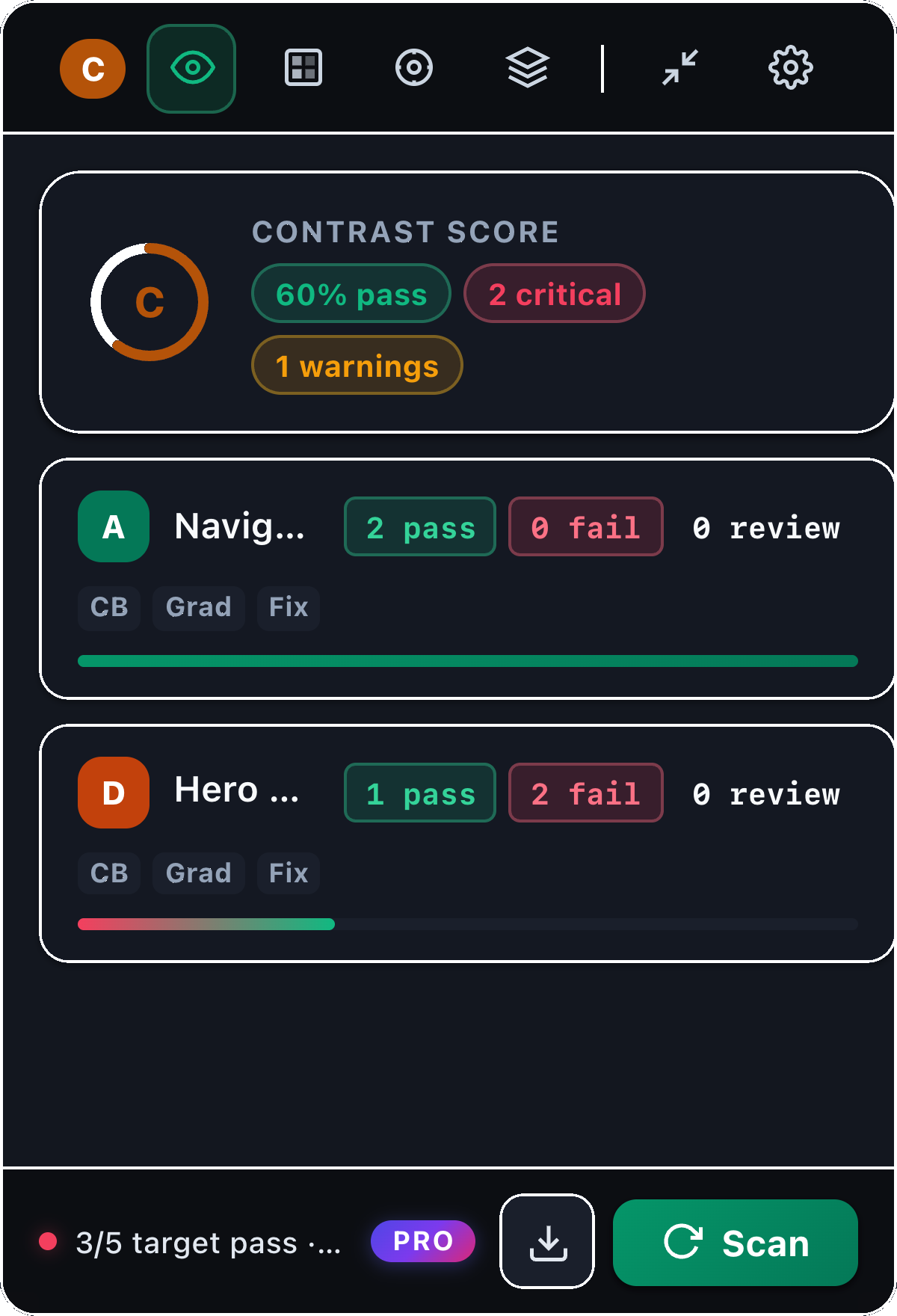
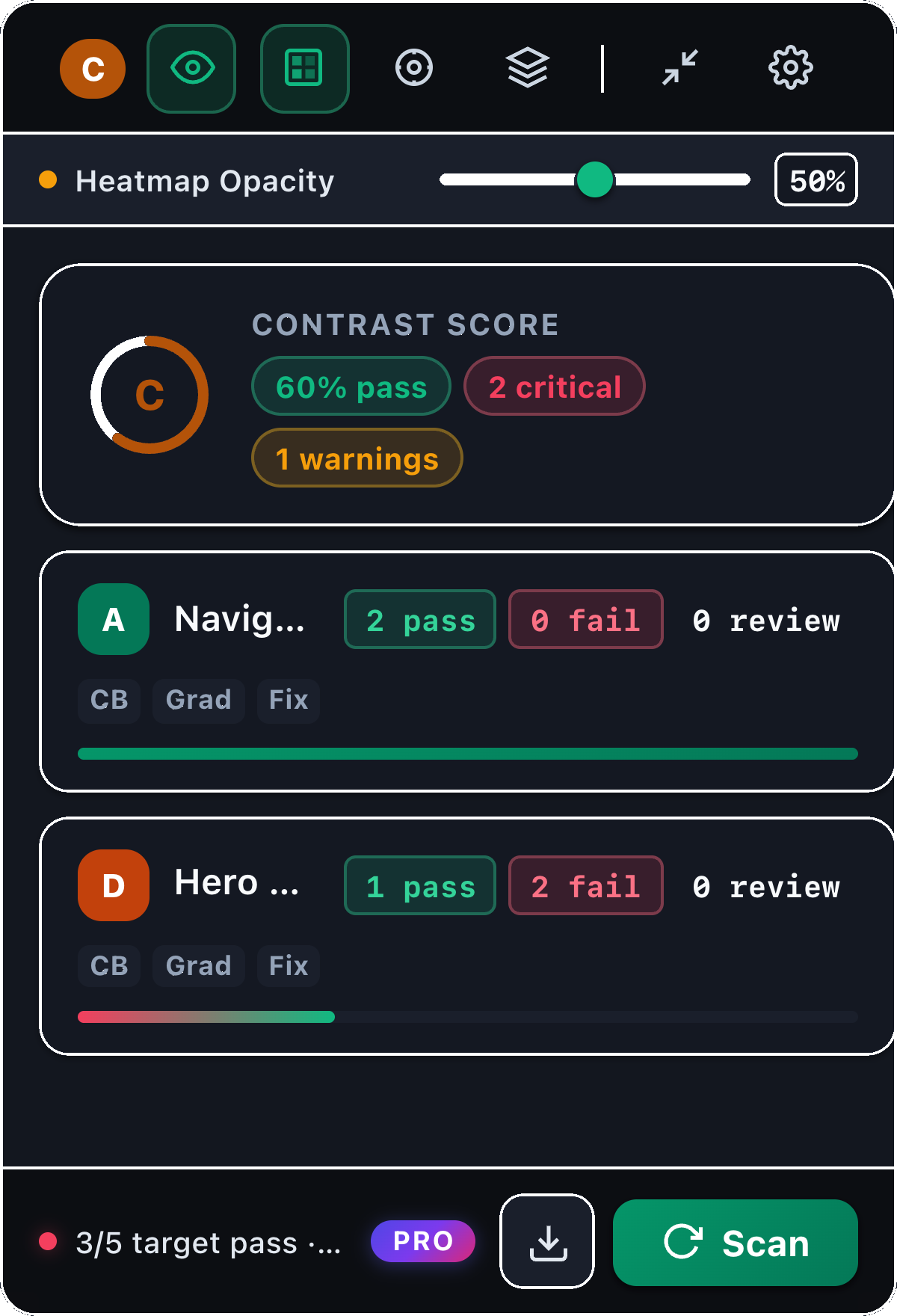
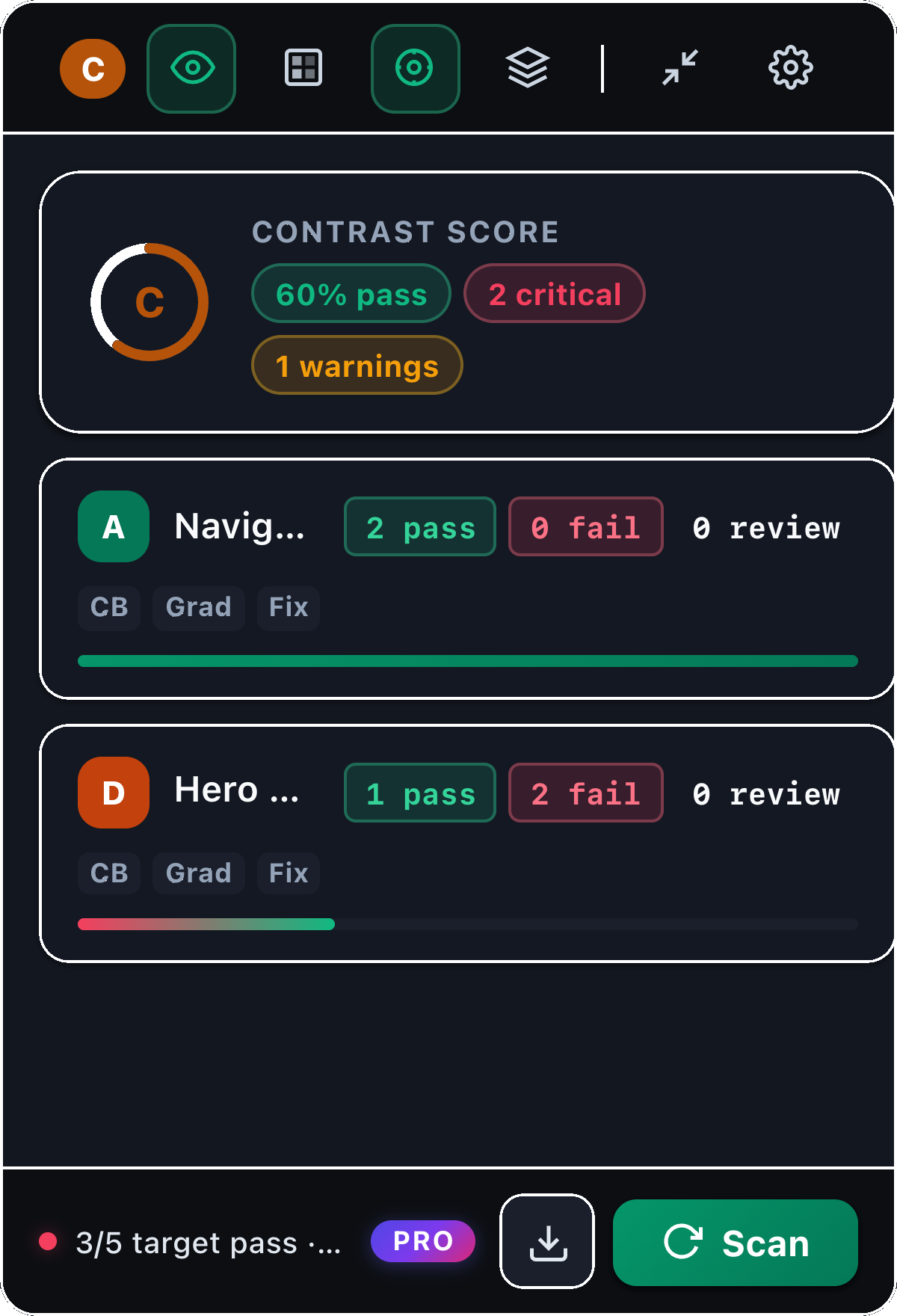
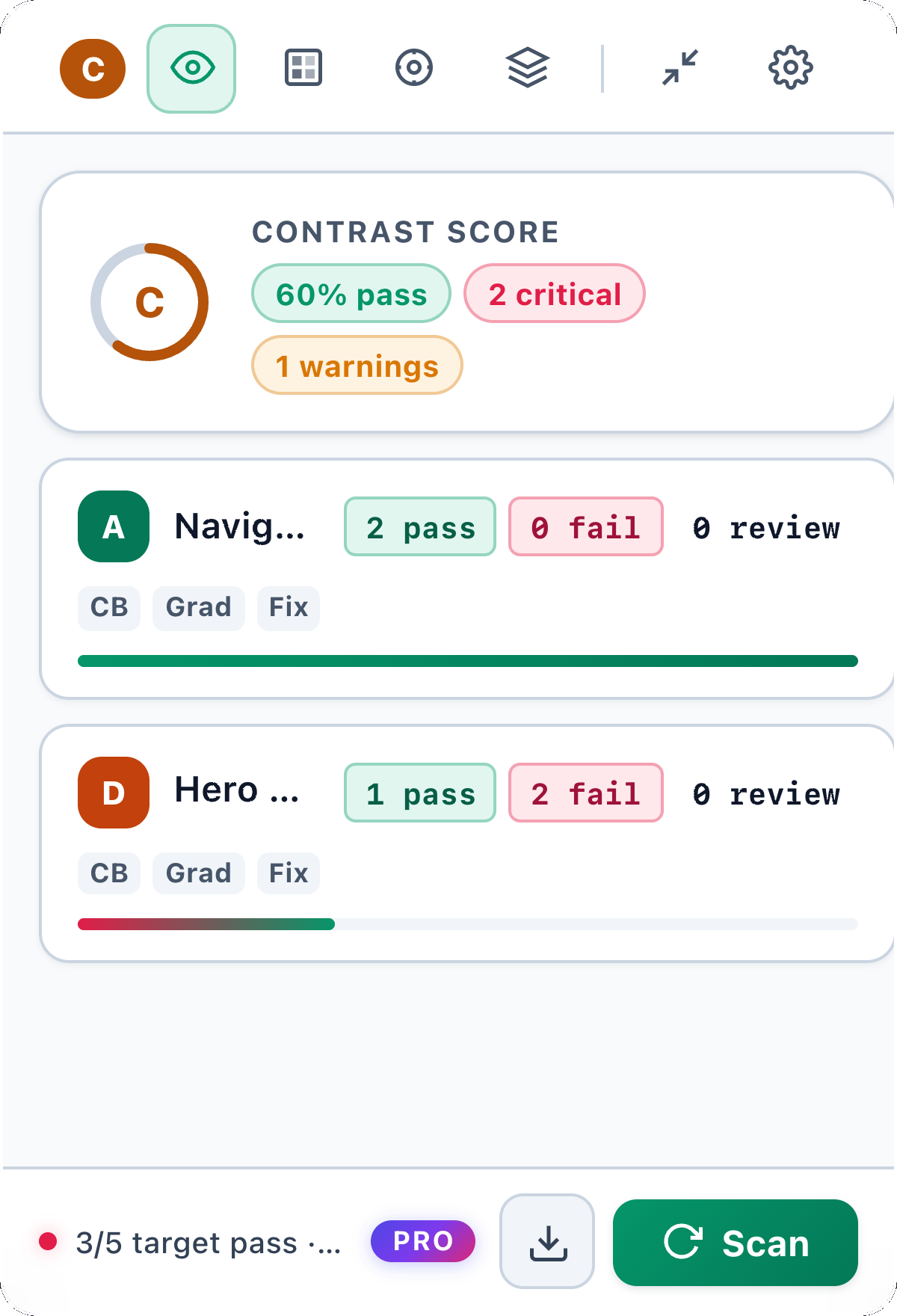
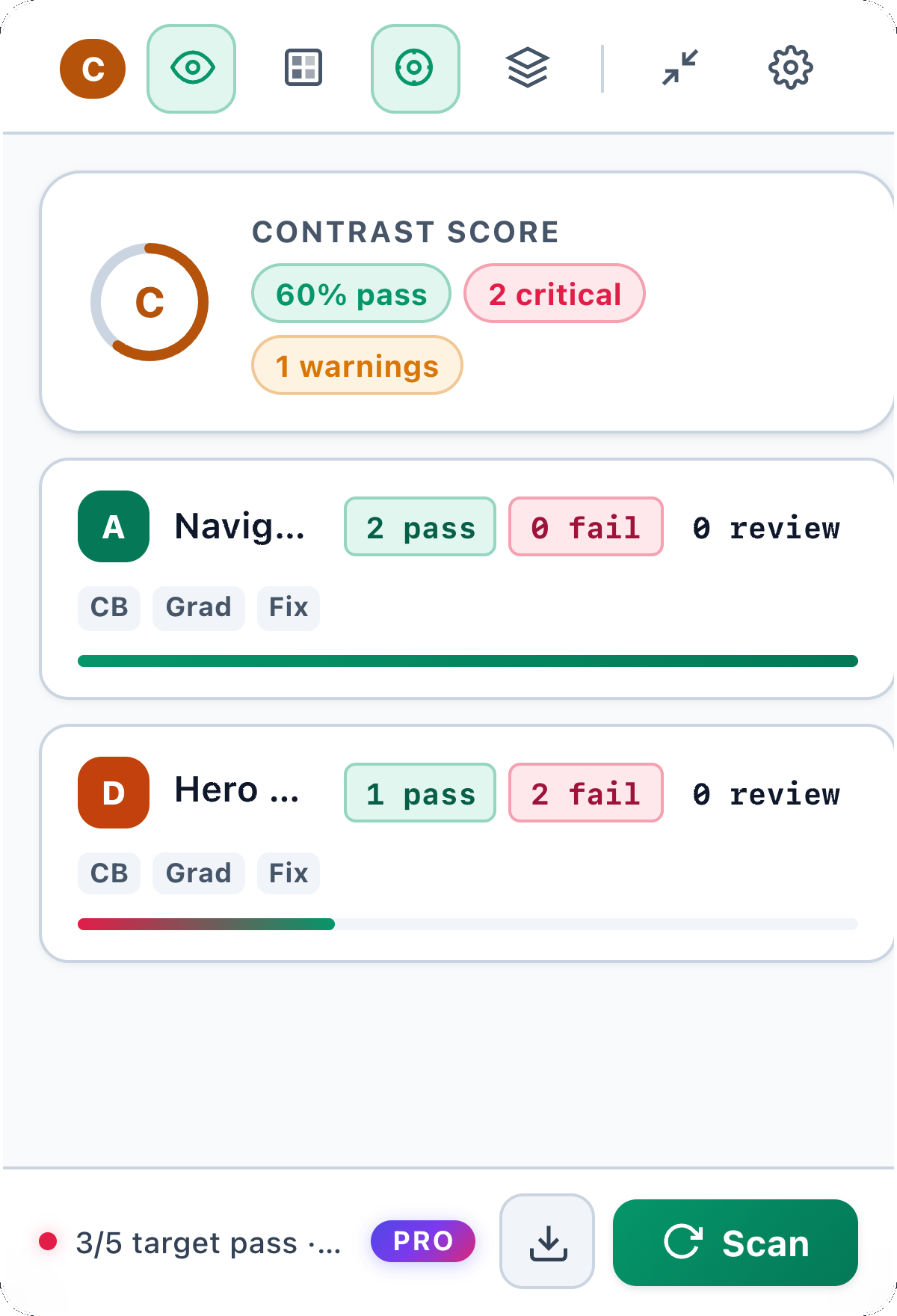
Badges, heatmaps, vision previews, and fixes appear where the design work is happening: directly around the nodes on your Figma canvas.
A clearer interface begins with text everyone can read.
A clearer interface begins with text everyone can read.
Fail · 2.4:1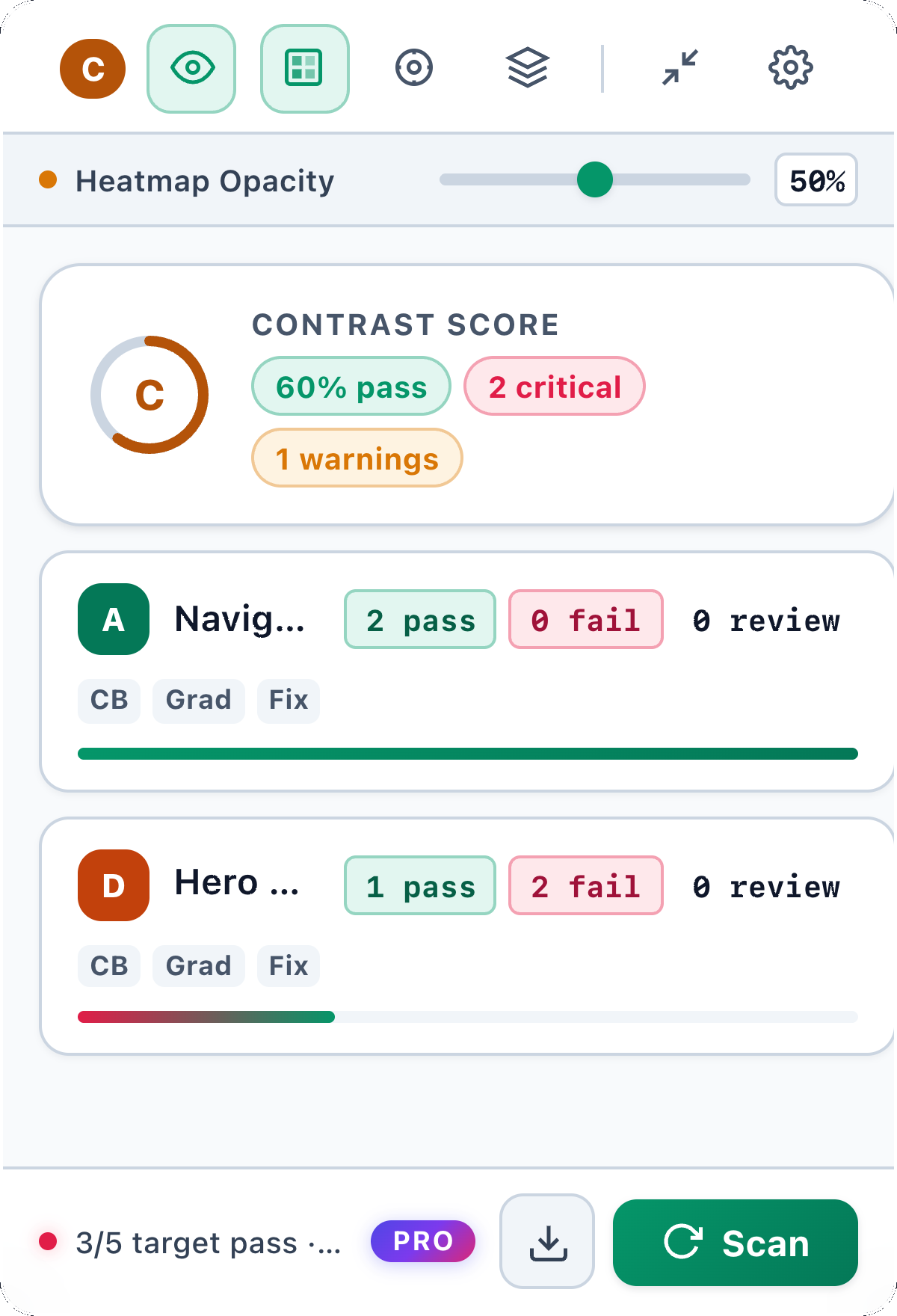
Low-contrast supporting text.
#94A3B8
2.8:1 Fail
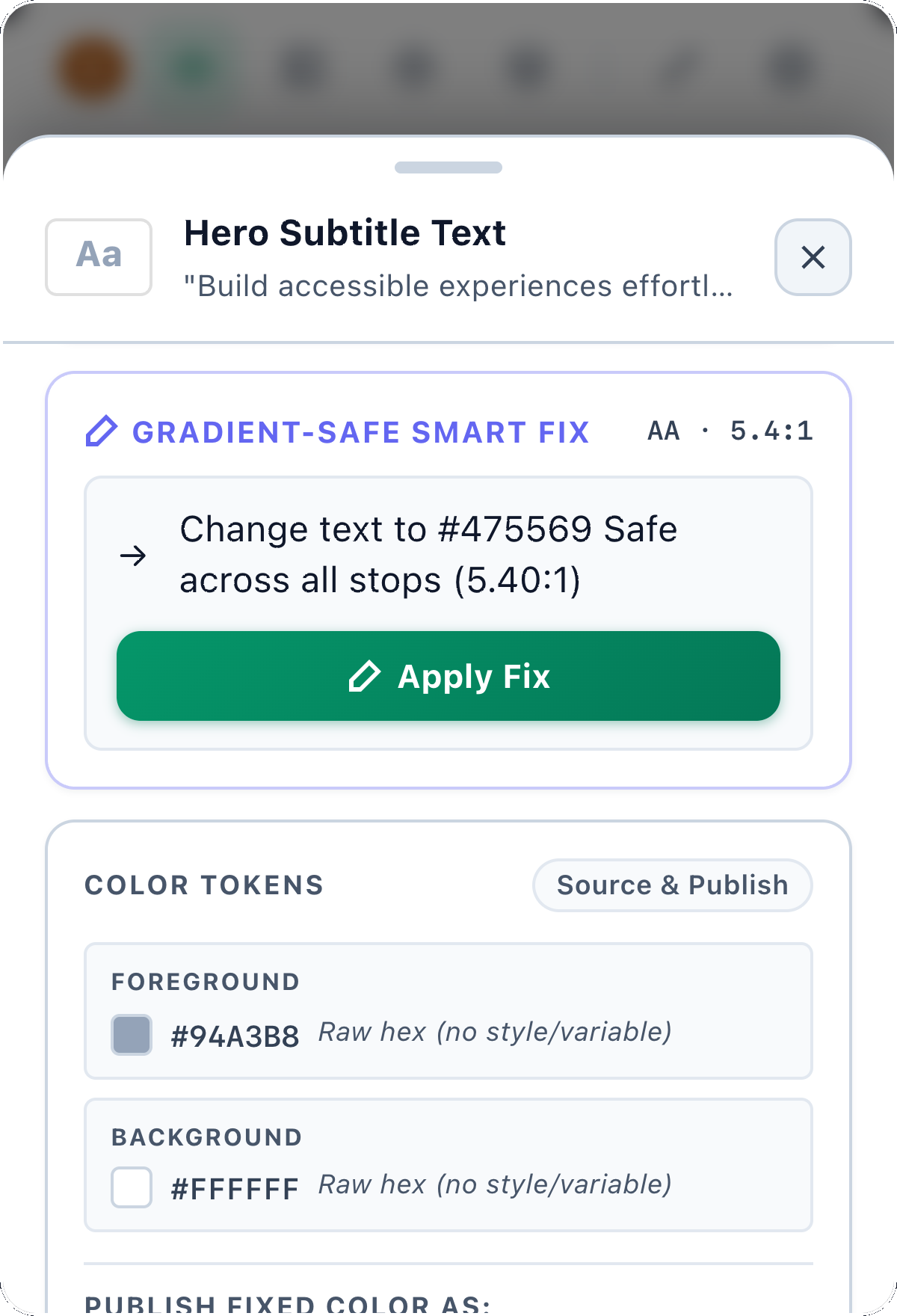
Corrected supporting text.
#475569
5.4:1 Pass AA
Inside the engine
Scroll through one text layer as TintSense resolves its appearance, measures the contrast, and turns the result into a useful decision.
Foreground, background, alpha, and blend layers are resolved before a ratio is calculated.
4.54:1, relative luminance compared against the selected text target.
Pass · AA for normal text. Unsupported or changing backgrounds remain needs review instead of becoming a false pass.
01 / CAPABILITIES & ARCHITECTURE
Scan, inspect, and fix text contrast without leaving Figma. Each result stays connected to the layer, source color, and canvas context that produced it.
Check selected frames and nested text in one pass, then review grouped pass, fail, and needs-review results.
Selected layer
4.54:1
WCAG AA for this example layer. Open any result to inspect its ratio, target, and source colors.
Compare protanopia, deuteranopia, and tritanopia while you design.
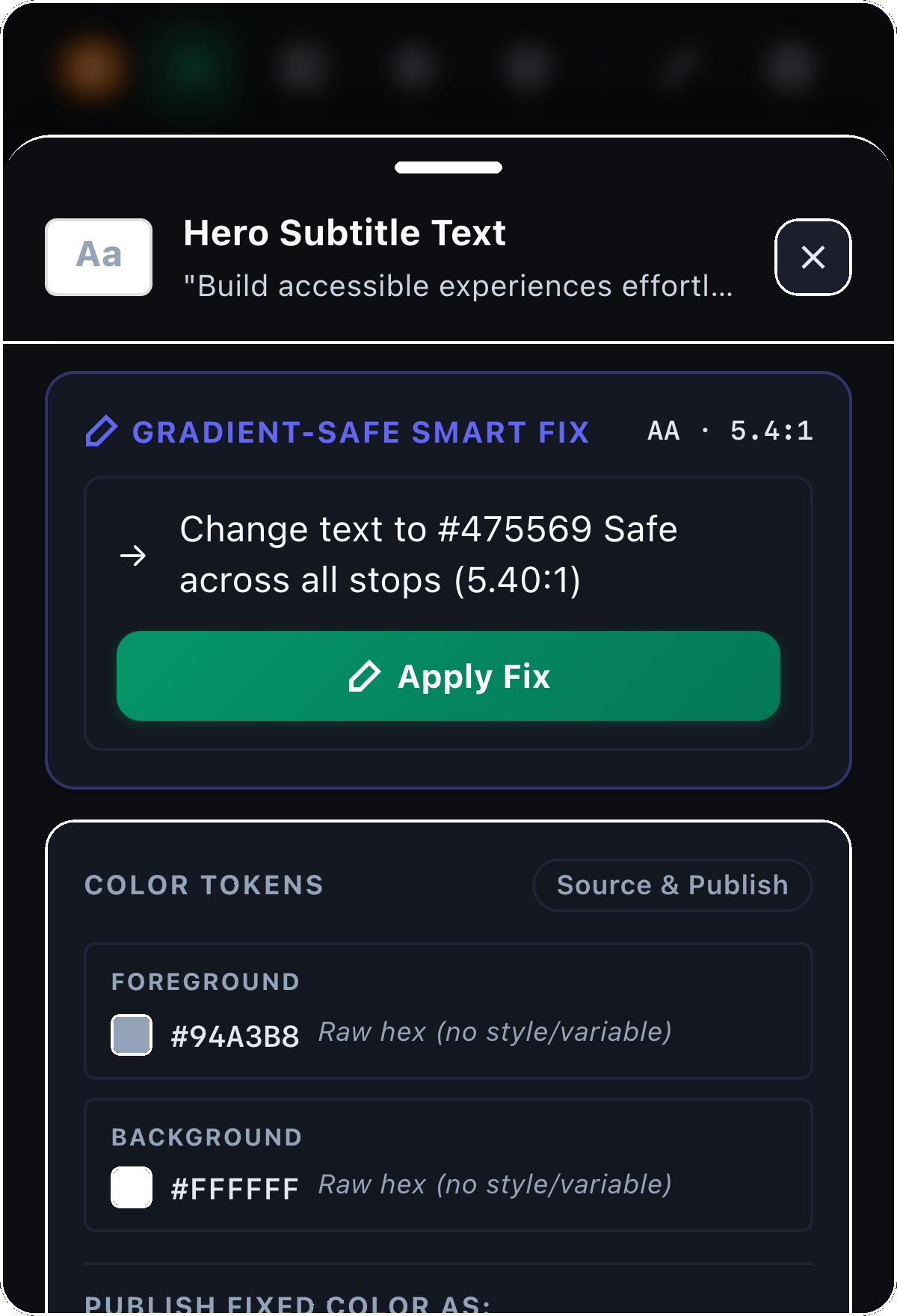
Review a nearby WCAG-compliant text color before applying it. Variable-bound layers are never silently unbound.
THE DIFFERENCE IS READABLE
Smart Fix suggests a text color that meets your target. Review the change before you apply it, with style and variable sources kept in view.
Take a look in FigmaMade to be read.
#AAAAAA on #FFFFFFMade to be read.
#767676 on #FFFFFF02 / SIMPLE PRICING
Start with the essentials.
Upgrade with a yearly payment.
$0 forever
$39.99 yearly
Text contrast on the selected frames. It evaluates WCAG 2.1 contrast for text against the resolved background. It does not audit keyboard access, names, or motion. Unsupported backgrounds return needs-review instead of inventing a pass.
No. The Pro score is a weighted score of scanned text contrast only. A high letter grade does not mean the product is accessible.
No. WCAG scan, batch scan, badges, and Mini Mode are free. Pro unlocks color-vision simulation, the contrast score, linear gradient analysis, heatmap, Smart Fix, and export.
Linear gradients are sampled inside the text bounds, including alpha over the surface below. Radial, angular, and diamond fills are not treated as fully supported; they are flagged for review.
No. The plugin tracks whether a color comes from a style, a variable, or a raw fill. It will not silently unbind a variable to write RGB. Variable updates are prepared but not released, so those layers stay blocked with a reason.
APCA is an experimental readability estimate in settings. It is not a shipped Pro pass/fail and it is not WCAG 2.1. Do not treat an APCA number as a compliance result.